Custom Fields on Product Detail Page
With this plugin you can display individual custom fields on the product detail page – exactly where they are most relevant for your customers.
Perfect for making important technical information or product-specific notes visible – directly in the visible area of the product page.
Warning
Important: Please note that the following plugins must be installed and activated once before using this plugin.
Install Plugin
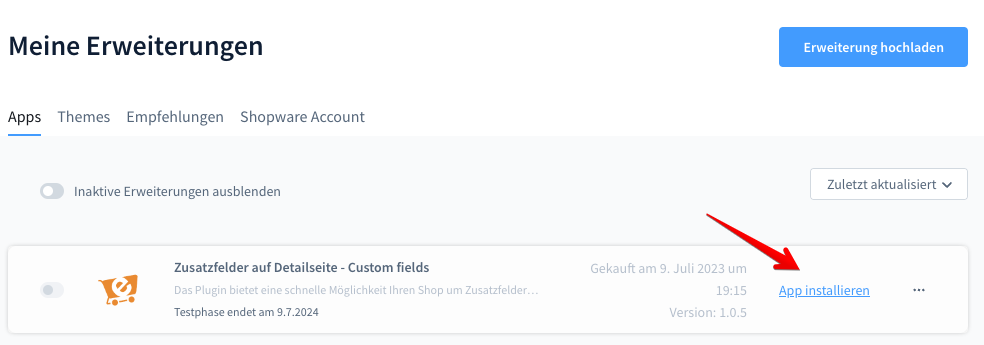
Activate Plugin
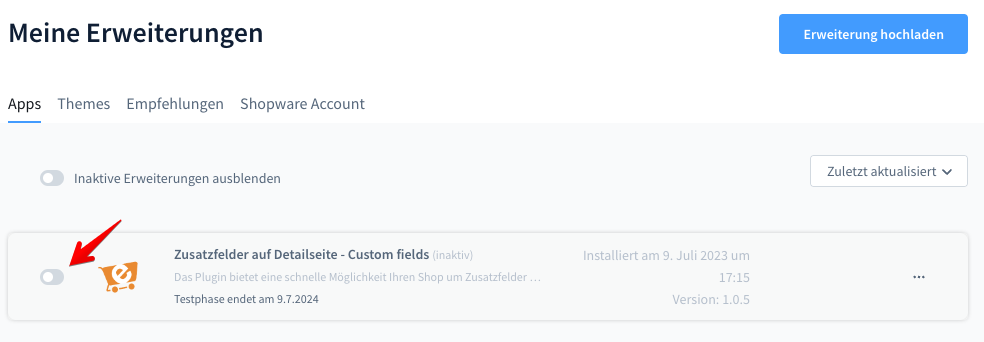
Click the icon to activate the plugin.
Configuration
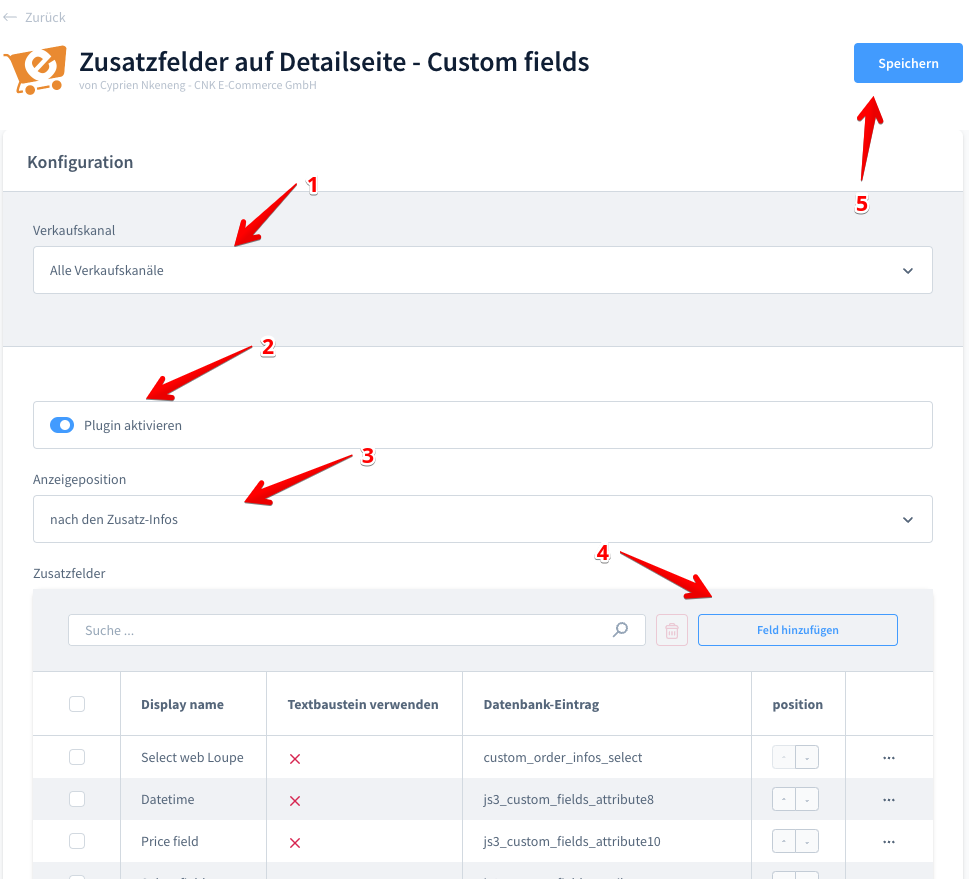
Add Custom Fields
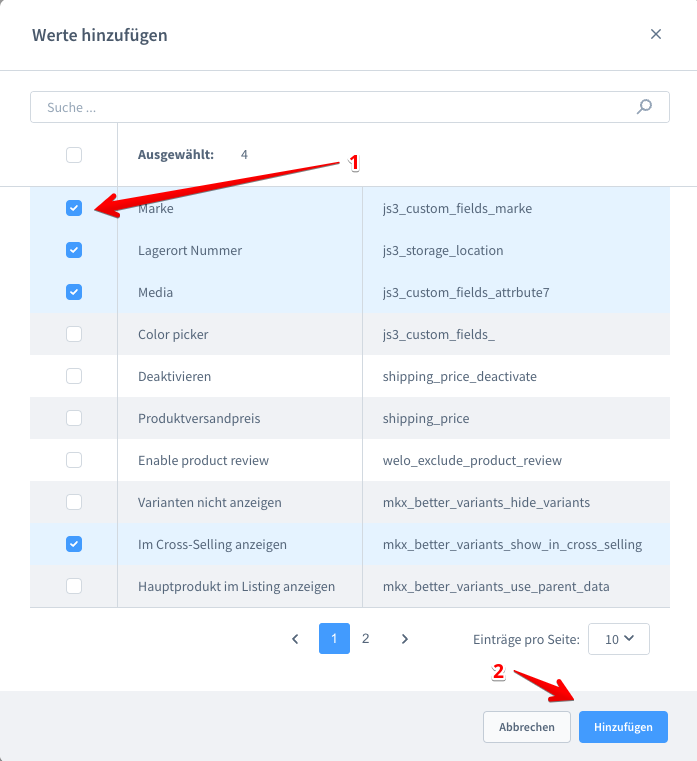
Add your desired custom fields.
Edit Custom Field
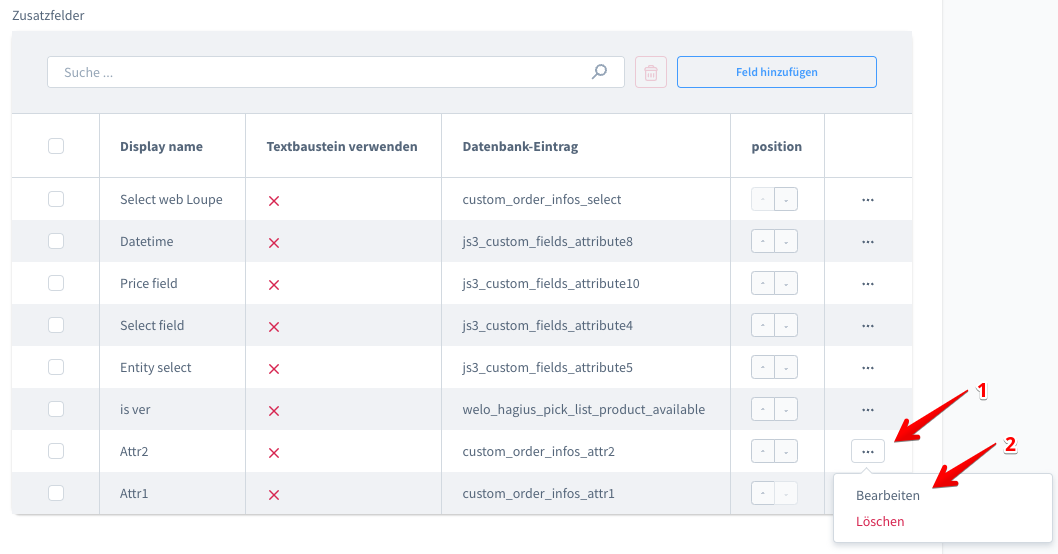

Enter the new name and save.
Use Snippet as Display Name

Use the stored snippet as the display name.
Position
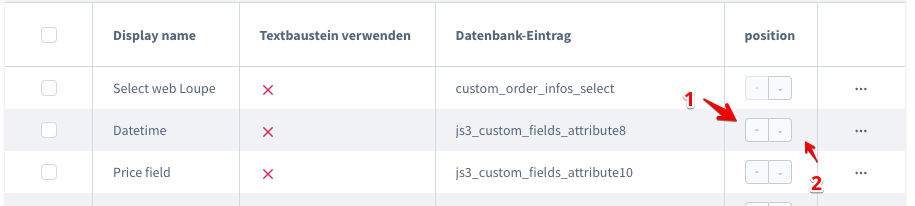
Set the position of the field on the product detail page.