Product Images in the Backend
The Product Images in the Backend plugin displays product images across key areas of the Shopware 6 administration – for better clarity and faster workflows. No configuration is required: once activated, the plugin works right away.
Highlights
- 🖼️ Product images in order line items, categories, reviews and search results
- ⚡ No configuration – active immediately after activation
- 🔀 Supports variants and inherited cover images
- 🚀 Optimised thumbnails for fast loading
- 🌍 Multilingual (German, English, French)
🔧 Installation
- Install via the Shopware Store
- Install and activate the plugin in the Plugin Manager
- Clear the cache
No further configuration is required.
📍 Where do the images appear?
Order line items
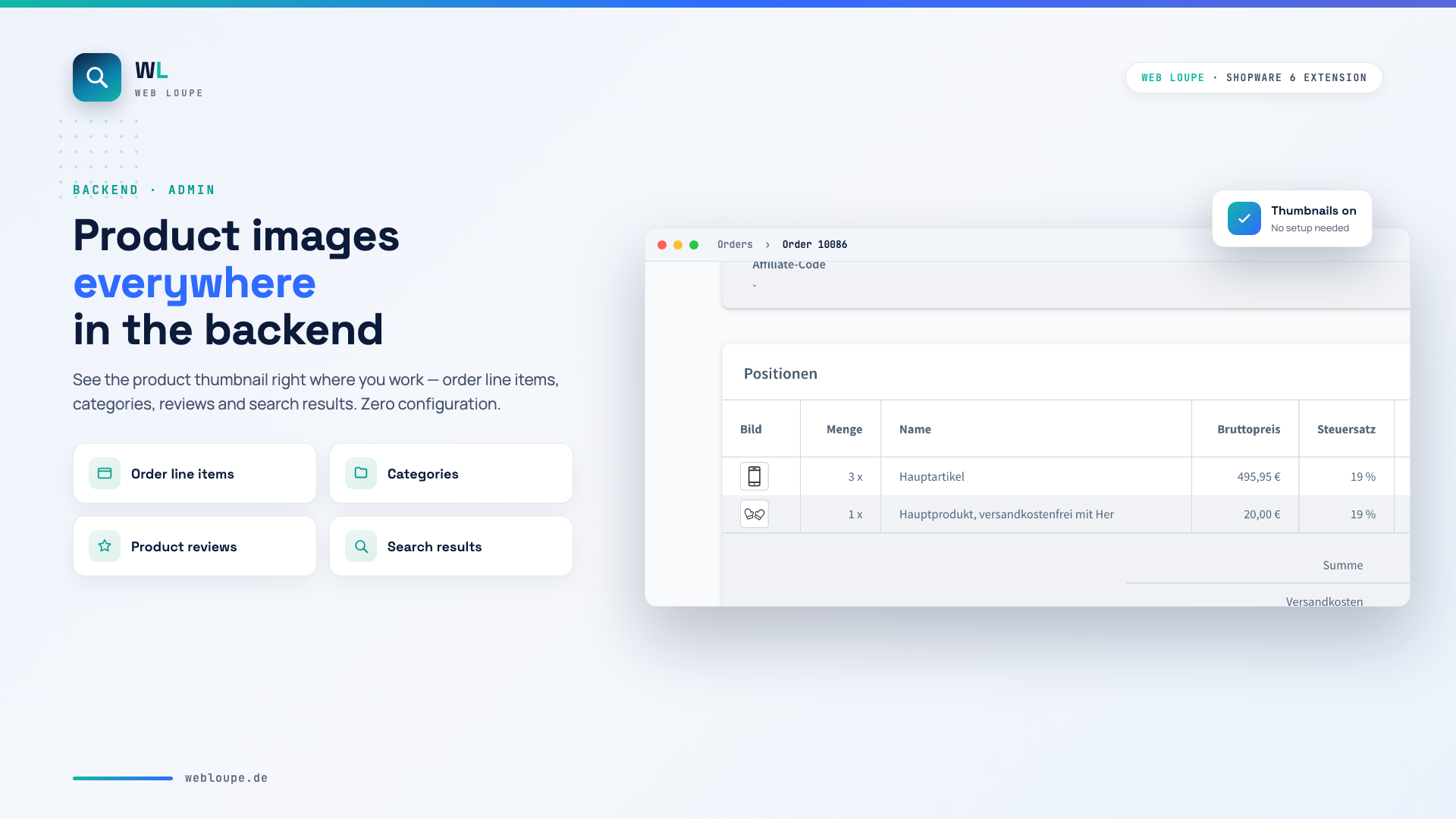
In the order overview the Image column shows the product picture for each line item – you immediately see which product was ordered.
Product reviews
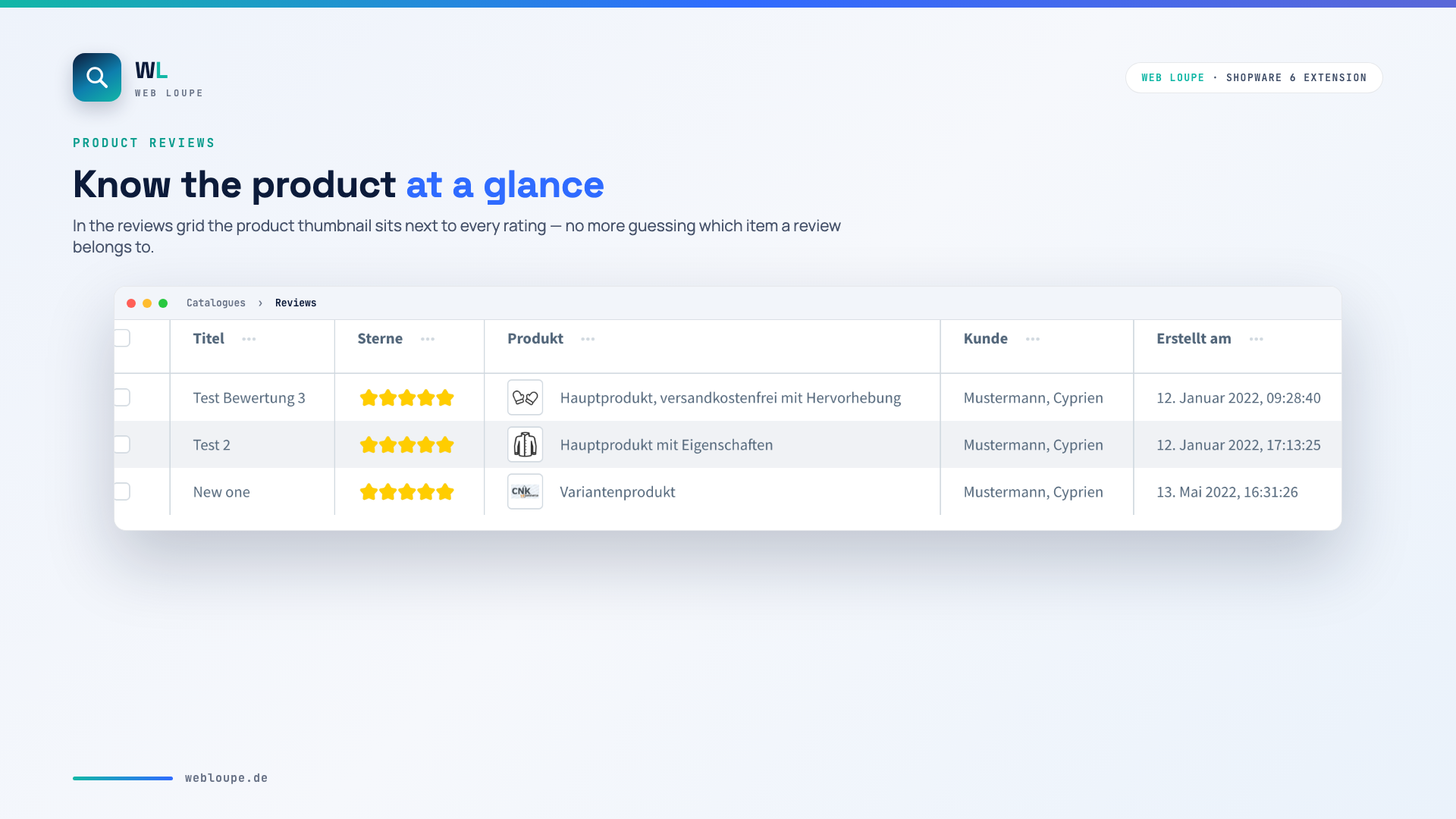
In the reviews list the product thumbnail sits next to every rating.
Categories
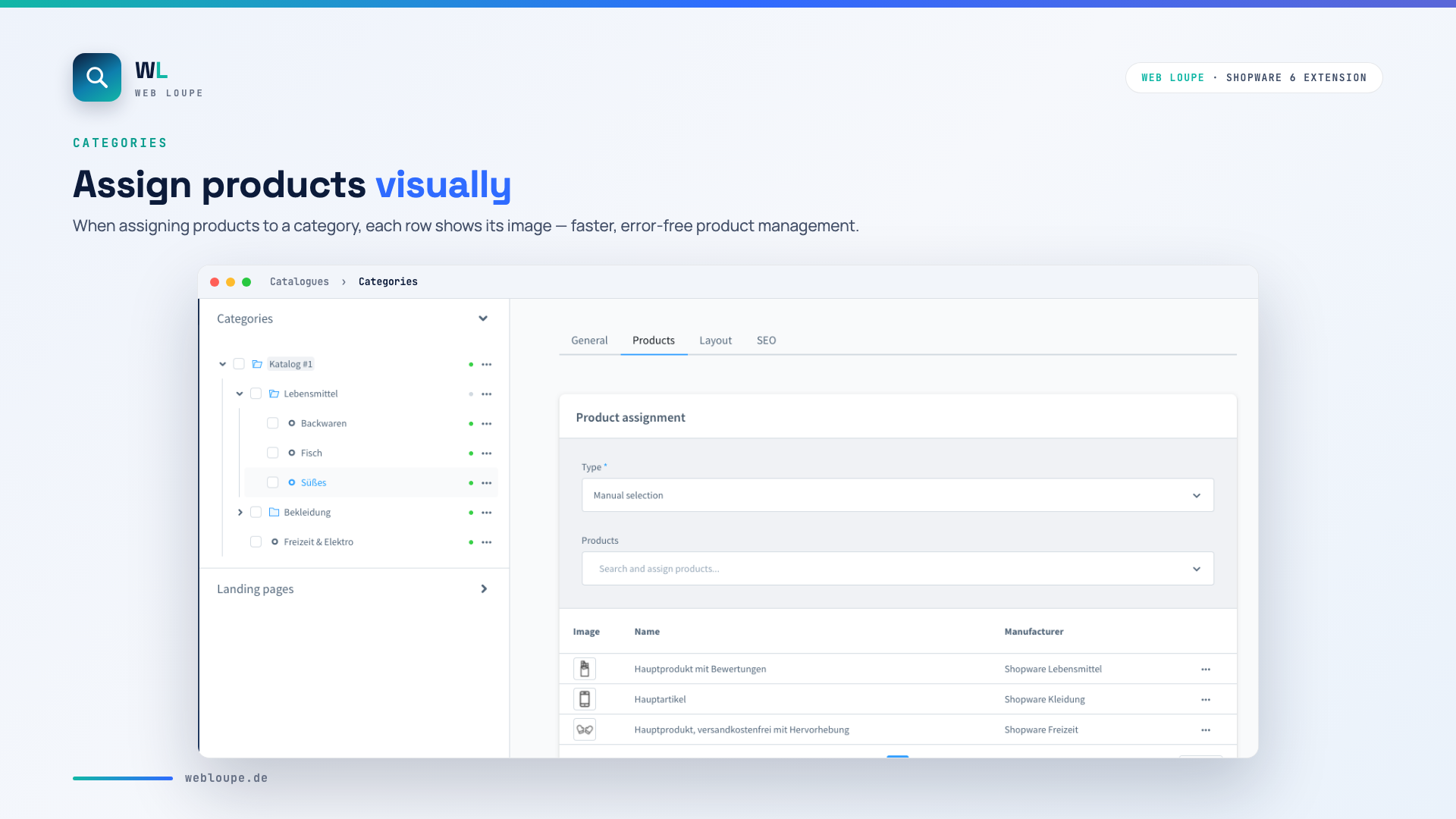
When assigning products to a category, each row shows its image.
Search results
Product images are also shown in the admin search results.
❓ FAQ
Does the plugin work with product variants?
Yes. It shows the variant image if available, otherwise the inherited parent product image.
Is any configuration needed after installation?
No. The plugin works immediately after activation, without any extra settings.
Does the plugin affect performance?
No. Optimised thumbnails are used, so loading time is barely affected.
Does the plugin support the admin dark mode?
Yes, the plugin is fully compatible with the Shopware dark mode.
📬 Support
For suggestions or individual adjustments, contact us by email at shopware@webloupe.de.