Product Images on Documents
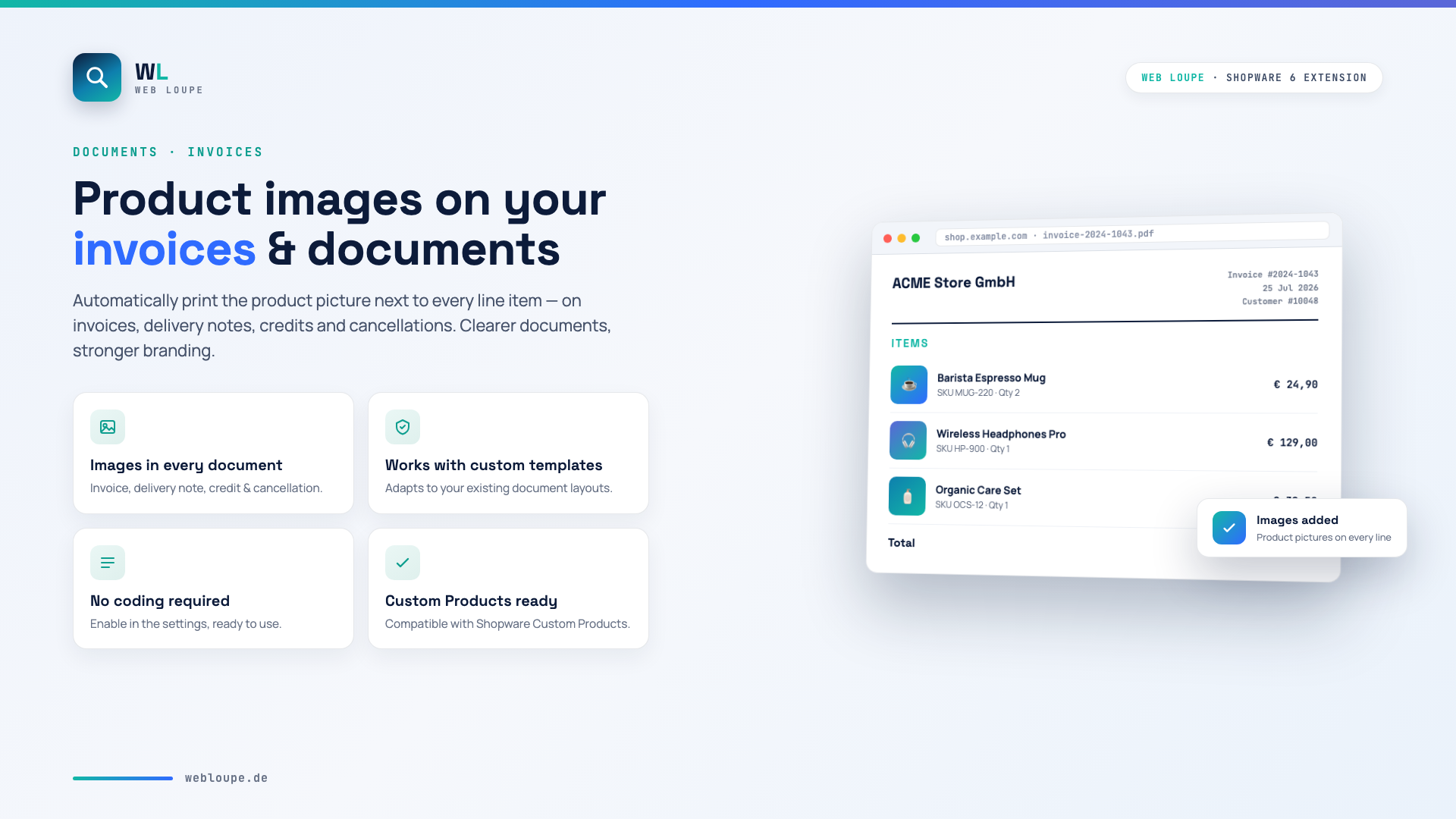
With the Product Images on Documents plugin you automatically add the product picture next to every line item on your Shopware 6 documents – on invoices, delivery notes, credit notes and cancellations. Your documents become clearer and look more professional.
For each document type you decide yourself whether the images are shown.
Highlights
- 🖼️ Product images on every document (invoice, delivery note, credit note, cancellation)
- 🎨 Compatible with customised document templates
- ⚡ No coding required – enable it in the settings
- 🧩 Compatible with Shopware Custom Products
- 🌍 Multilingual (German, English, French)
🔧 Installation
- Install via the Shopware Store
- Install and activate the plugin in the Plugin Manager
- Clear the cache
- Compile the theme
⚙️ Configuration
Open the plugin configuration in the admin area and choose which document types should display the product images. Then clear the cache – the images appear automatically next to every line item on newly generated documents.
🧾 Supported documents
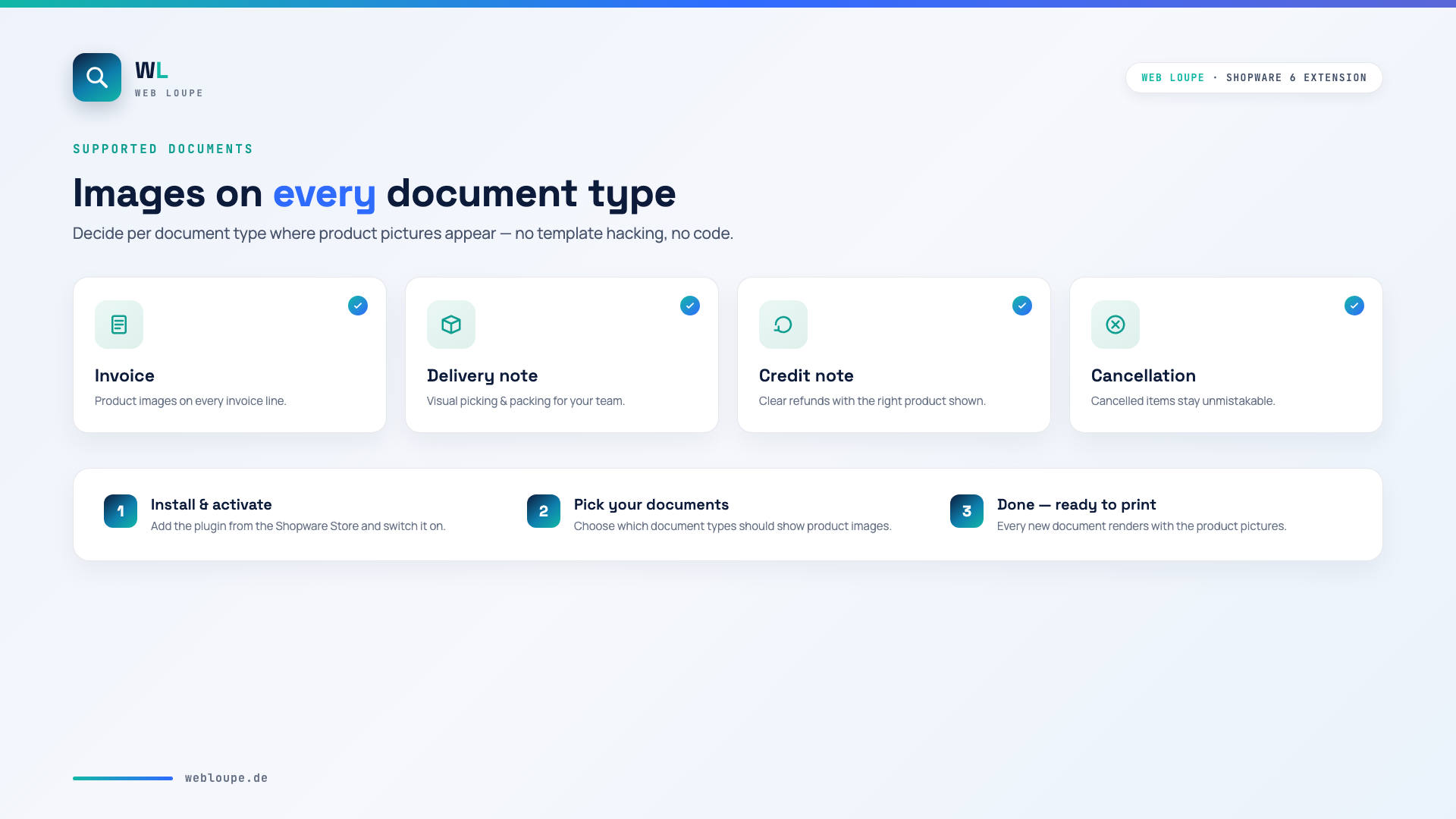
- Invoice
- Delivery note
- Credit note
- Cancellation
🧩 Compatibility with Shopware Custom Products
If the images are not displayed because of Shopware's Custom Products plugin, adjust the file MyTheme/src/Resources/theme.json as follows:
"views": [
    "@Storefront",
    "@Plugins",
    "@SwagCustomizedProducts",
    "@WeloArticleImageBills6",
    "@MyTheme"
]
Then clear the cache.
📬 Support
For questions, suggestions for improvement or individual adjustments that cannot be covered by the plugin, contact us by email at shopware@webloupe.de.